

Crown+ › Crown+ app download
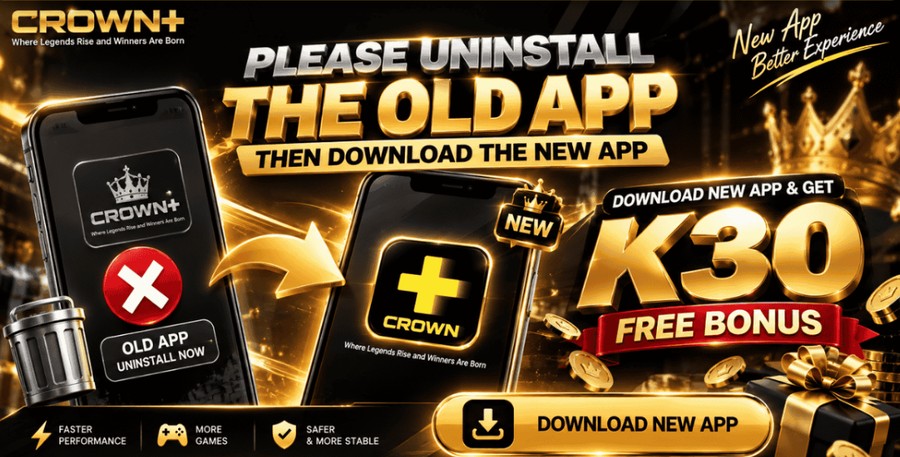
Crown+ app download: the new app
Crown+ has a new app. Players are asked to uninstall the old app and download the new one. 918Kaya games use a separate app.
The new Crown+ app
- Uninstall the old app first.
- Use the Download New App button on the platform to get the new app.
- Sign in with your Crown+ account.
The banner advertises K30 free bonus for downloading the new app. Its pop-up shows only the banner and no terms, so ask live chat for the details before you rely on it.
Register on Crown+Other app offers on the platform: the Special App Download K66 and the Daily Random Free, both for members who downloaded the Crown+ app.
The 918Kaya app
918Kaya is a standalone app. To play it you download the 918Kaya app, then sign in with a login ID and password issued through your Crown+ account.
- Register and log in to Crown+.
- Get your 918Kaya login ID and password through your account.
- Open the 918Kaya download link: 123.889ifun.com.
- Install the app and sign in with your 918Kaya ID and password.
More
See the full 918Kaya guide and the login guide.
Frequently asked questions
Is there a Crown+ app?
Yes. The platform asks players to uninstall the old app and download the new app using the Download New App button.
Do I need an account for 918Kaya?
Yes. You get the 918Kaya login ID and password through your Crown+ account.
Is the download link safe?
Only use the link in this guide or the one given in your account. Fake download sites exist, so avoid links from strangers.
More Crown+ guides
18+ only. Gambling can be addictive; play responsibly and within your budget. Offers, limits and terms are set by the platform and can change.